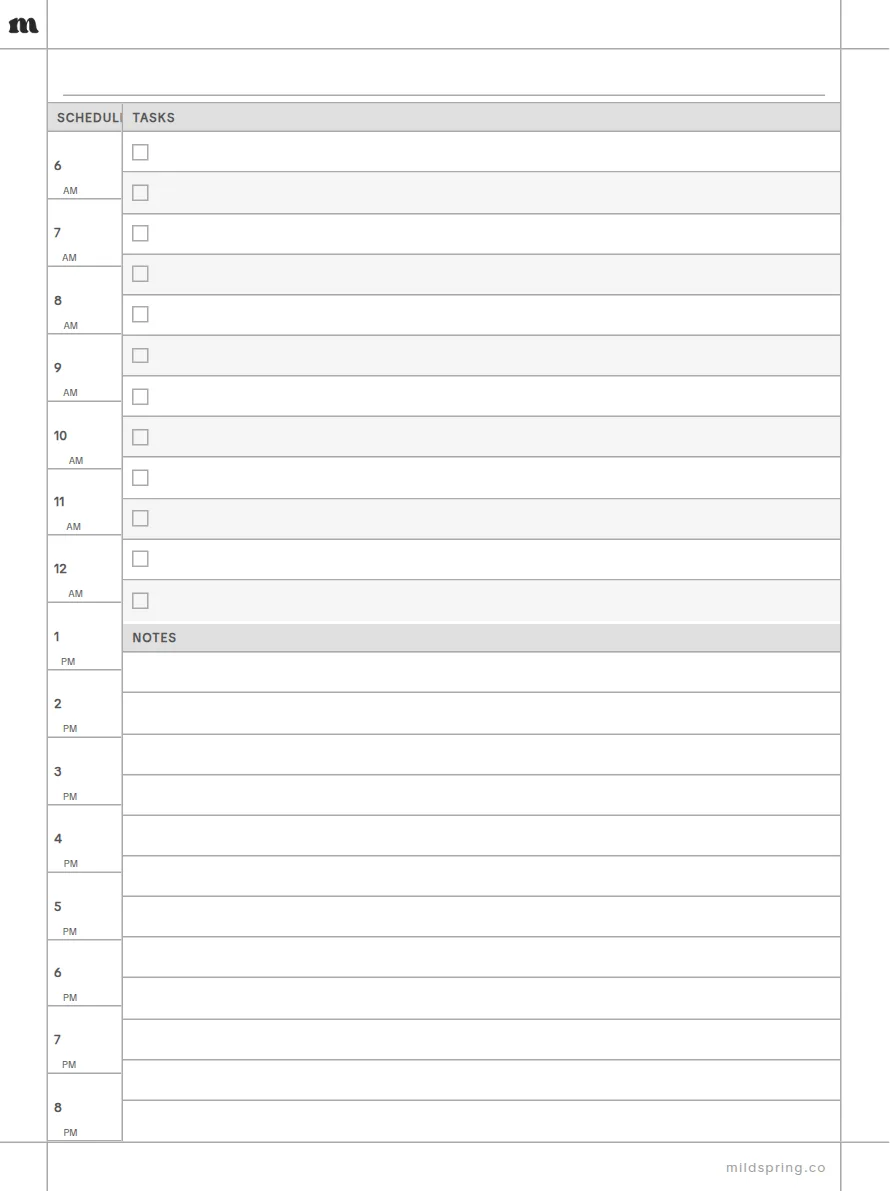
Daily Planner
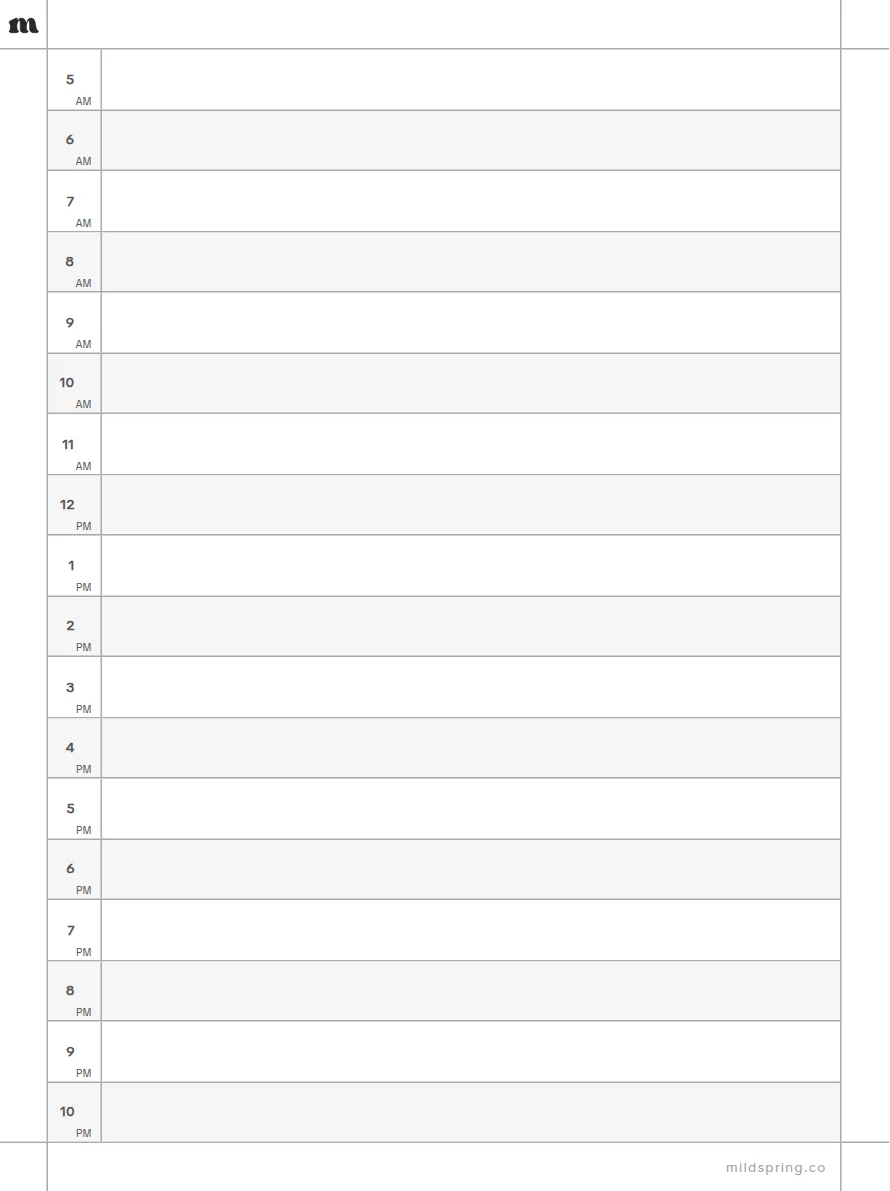
One page for the whole day. Hours on the left, a task list beside them, and room for notes underneath.
- Hourly schedule column
- Task list with checkboxes
- Notes block
Free PDF, one page, no sign-up. Copy it to your tablet over USB or with your device's own app.
Every size
Not sure which file? These are all of them, grouped by brand.
Supernote
reMarkable
- reMarkable 240 KB
- reMarkable Paper Pure40 KB
- reMarkable Paper Pro40 KB
- reMarkable Paper Pro Move40 KB
Kindle
Boox
- Boox Go 7.8"40 KB
- Boox Note Air 10.3"40 KB
- Boox Tab Ultra 13.3"40 KB
Kobo
- Kobo Libra Colour40 KB
- Kobo Sage39 KB
- Kobo Elipsa40 KB
Fujitsu
- Fujitsu Quaderno A540 KB
- Fujitsu Quaderno A440 KB
Other tablets
- 10.3" tablet (4:3)40 KB
- 7.8" tablet (4:3)40 KB
Questions
Is the Daily Planner template free?
Yes. Download the PDF and write on it. No account and no email. The page carries a small mildspring mark in the top corner and the footer.
Which devices does it fit?
It comes in 20 sizes: Supernote, reMarkable, Kindle, Boox, Kobo, Fujitsu, iPad, Other tablets. Each file matches that screen's shape so the page fills it.
How do I put it on my tablet?
Download the file for your device, then add it like any other PDF: over USB, through your tablet's desktop or phone app, or with Send to Kindle for a Kindle Scribe.
Can I get it as a full notebook?
Our paid notebooks at mildspring.co bundle pages like this one into a single PDF with a cover and an index you can tap.